WELCOME TO THE
EVERYWORD APP

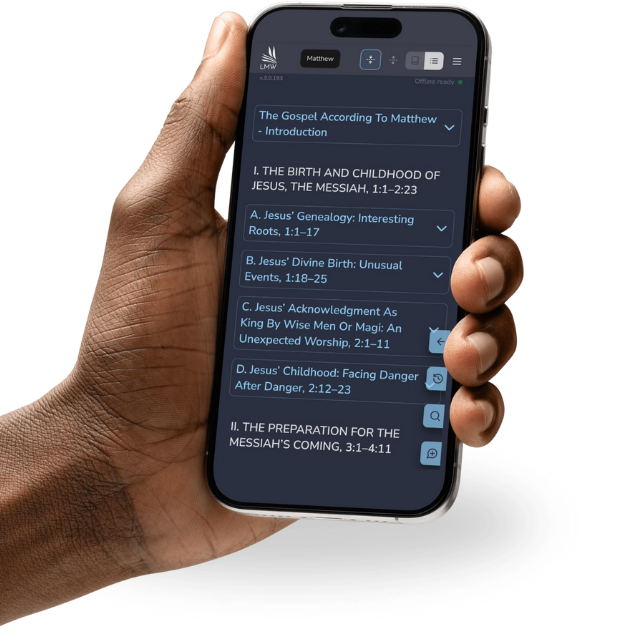
We are excited to have you join EVERYWORD! Powerful Bible study resources are now right at your fingertips, making it easier to engage with Scripture wherever you are.
Follow the simple steps below to get set up and start exploring the Bible study resources available to you.
GET STARTED WITH
THE EVERYWORD APP
Step 1: Set Up Your Account
Open EVERYWORD below and follow the instructions on your screen to set up your access and log in.
Already use the LMW App? You do not need to create a new account or pay for a new subscription. Log in to the EVERYWORD app using the same email address connected to your LMW App account. You will be prompted to reset your password using a 6 digit verification code. If you do not receive the verification email within a few hours, especially with older email providers such as AOL, Yahoo, or Hotmail, contact appsupport@lmw.org for help.
Step 2: Access the App
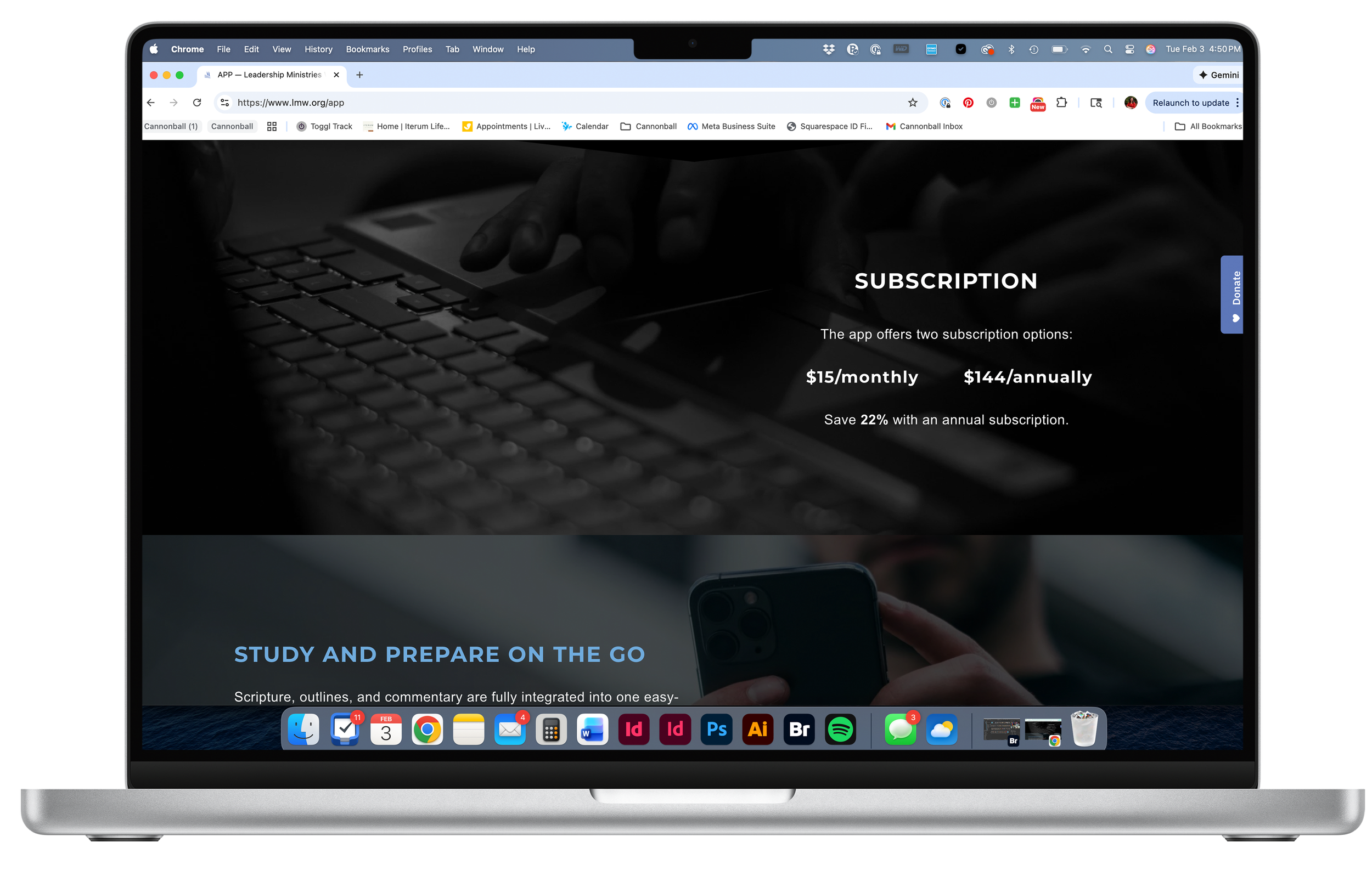
Choose the option that works best for your device.


Step 3: Start Studying
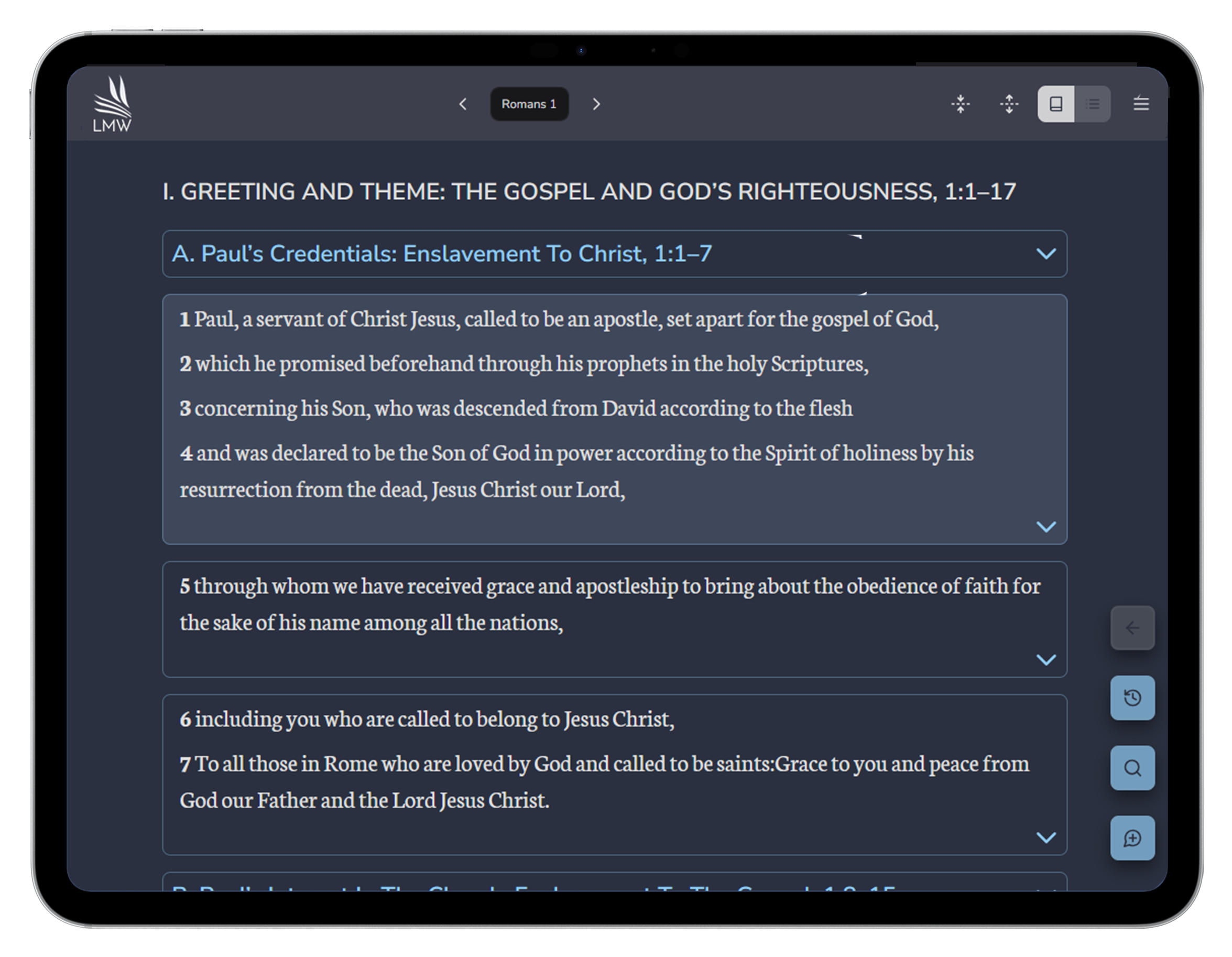
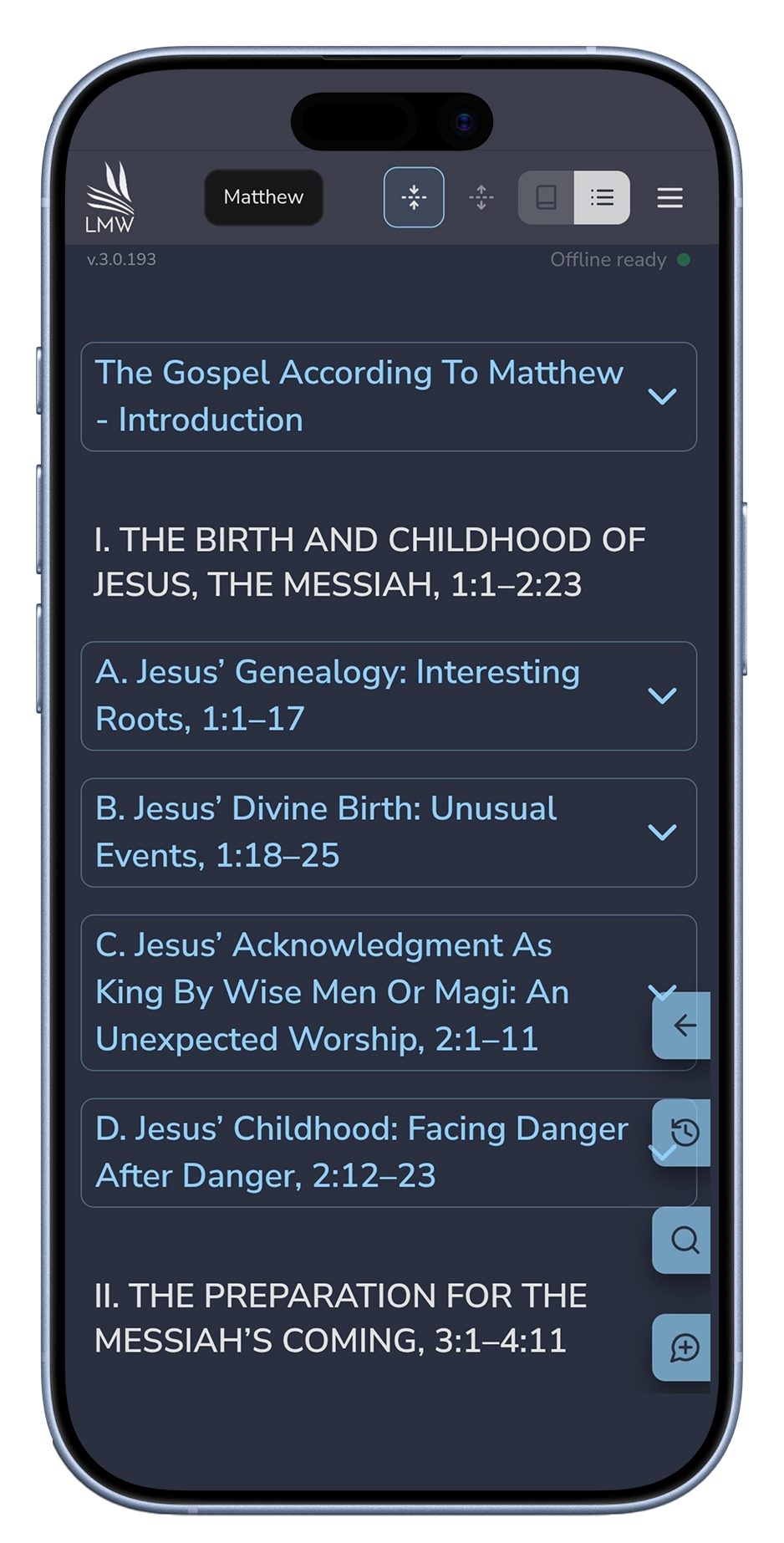
You are ready to explore Scripture, outlines, commentary, search tools, and other trusted Bible study resources all in one place.
TAKE THE EVERYWORD APP WITH YOU
The EVERYWORD APP is available on Apple and Android devices and through your web browser, giving you convenient access to biblical resources wherever you study, prepare, or teach.